License Management
Activating Your License - Direct Purchase
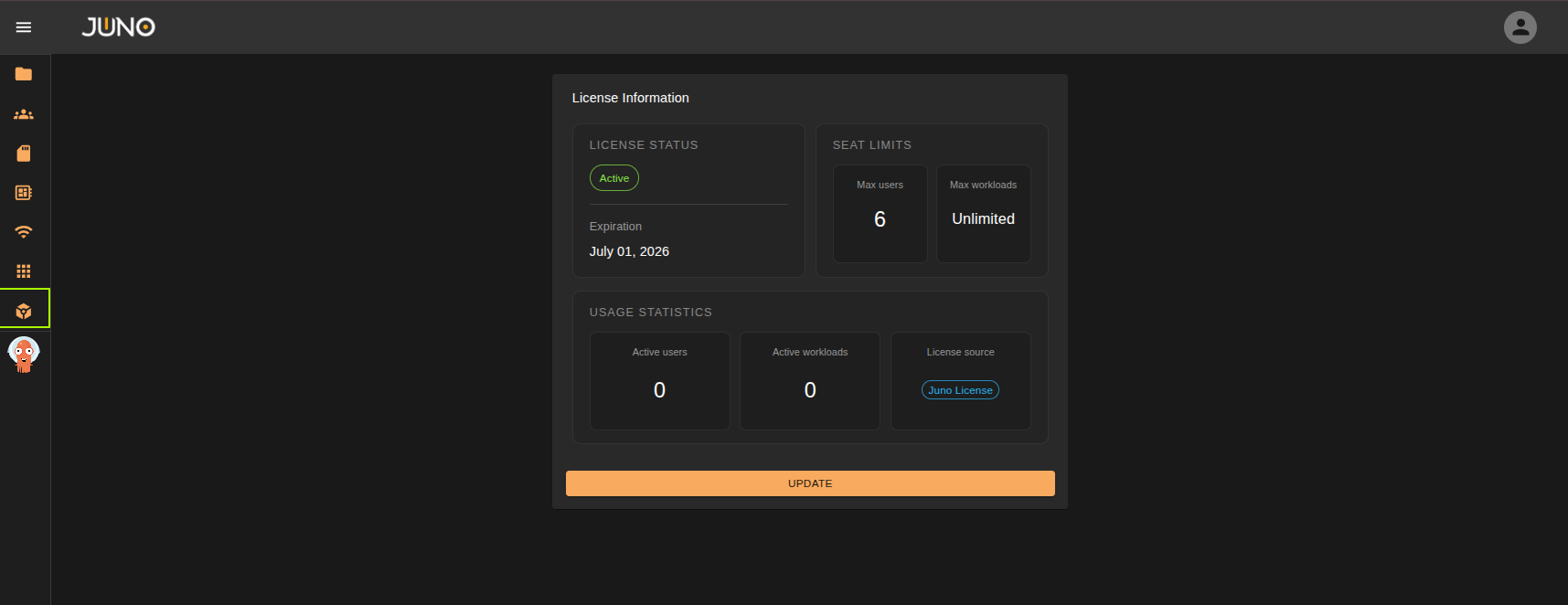
Upon purchasing from Juno, you will receive a license key via email from our team. This key is added to Genesis via the licensing page, accessible by admin users on the Genesis sidebar navigation. after the deployment process to validate your subscription and activate all licensed services. You can also update your license at any time via the Genesis web UI, under the "Licensing" tab following the same process as initial setup.
If you haven't received your license key or need assistance, please contact our sales team at sales@juno-innovations.com. We aim to respond to all inquiries within one business day.
Activating Your License - AWS Marketplace
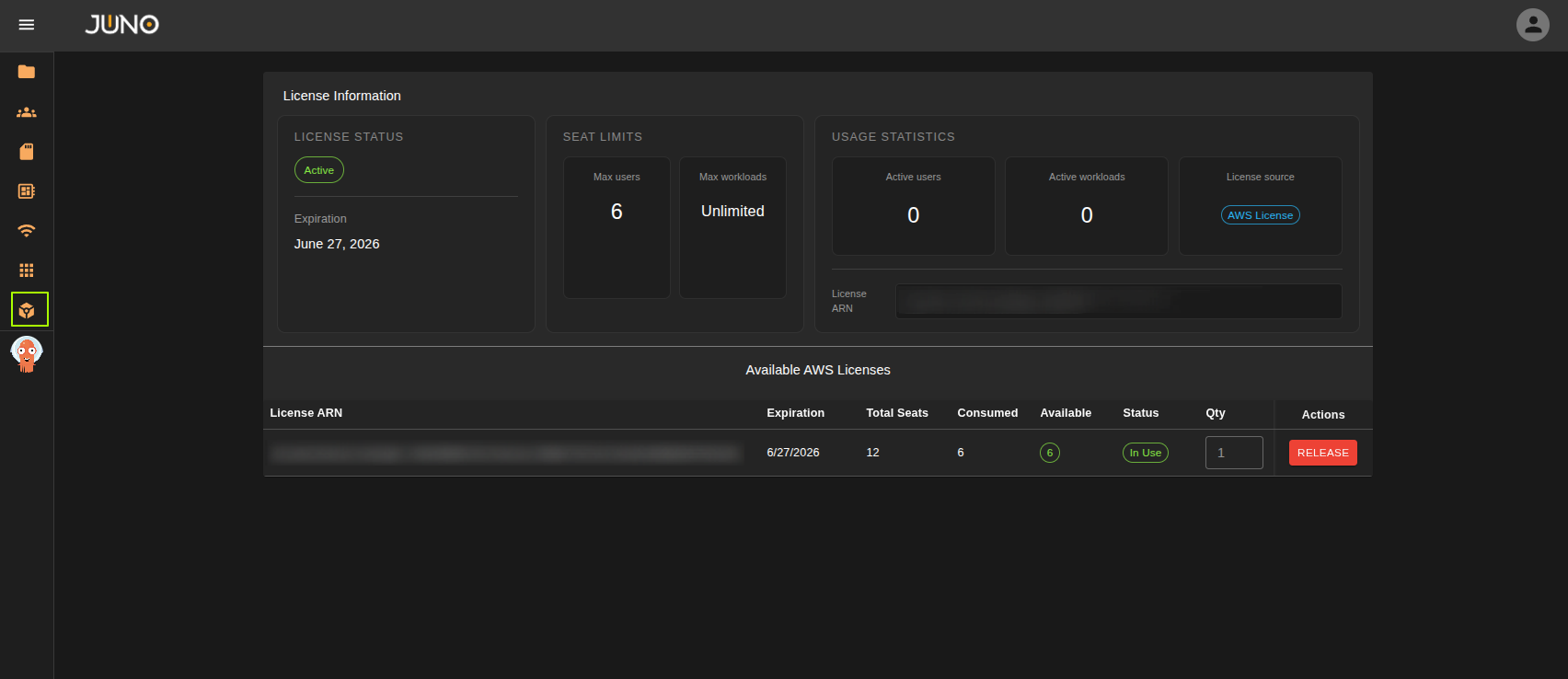
If a license was purchased via the AWS Marketplace, you will be able to check out your license entitlements directly from the Genesis Licensing page, accessible by admin users on the Genesis sidebar navigation.
Simply navigate to the license table, choose how many seats you'd like to checkout for the given license, and click the checkout button. If you wish to release these seats, you can then click the release button.
Pre-reqs for the AWS Marketplace Integration:
Tip
Please note all of these pre-reqs will be taken care of automatically via our oneClick installer
- IAM roles and policies created to allow interaction with the AWS license manager.
- AWS_MARKETPLACE environment variable set to "enabled" in the Genesis application
- AWS_REGION environment variable set to the cluster region in the Genesis application
If you need assistance, please contact our support team at sales@juno-innovations.com. We aim to respond to all inquiries within one business day.
Community Edition
We provide a Community Edition to enable you to evaluate, as well to support open-source developers that contribute to Helios, our containerized workload platform.
The Community Edition enables you to run up to 2 workloads for free, indefinitely and without any other restrictions on workload functionality.
User & Workload Allowance
If your license is issued for a set amount of users, each user is allowed to spawn as many workloads as they wish. This means you can have up to 20 unique users spawn multiple machines each. The license cap counts unique users across all your workloads.
There is no limit on the amount of users allowed to log into the platform. Only users with active workloads count against the allowance.
For workload-bound licenses, the amount of users is not considered and only the amount of running workloads is evaluated.