Getting Started
Orion is an API first platform. Each service ships with its own REST API and OpenAPI documentation. This allows you to interact with the services directly and build your own custom integrations. Getting Started is quick and easy.
Goal
We will follow the process of creating a python script that will communicate with Orion's Kuiper API to launch a workload.
Permissions
Orion is a role-based system. To get started, you will need to have proper permissions. In this example,
we are going to interact with Kuiper to launch a workload. To do this, you will need to have the kuiper or admin role.
If you aren't assigned to either role. You'll need to have an admin or titan user add you to the needed group. See User Management documentation
for details.
Generating API Key
Juno uses standard API keys that are passed to the API in the Authorization header.
Warning
API keys are sensitive information. Do not share them with anyone.
Generate API Token
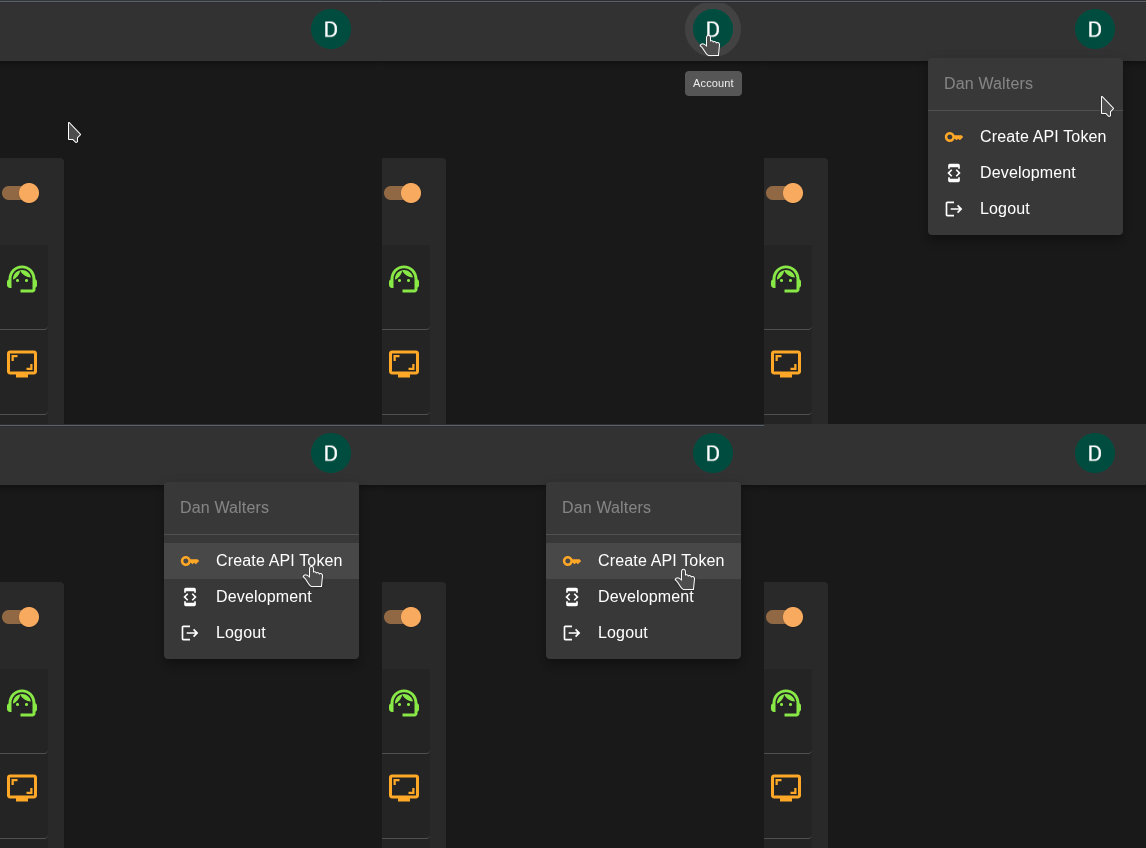
In Genesis click on your user icon in the top right corner select Create API Token.
Warning
API keys are only displayed once. If you lose your API key, you will need to generate a new one.
Warning
Only one API key exists per user. If you generate a new API key, the old one will be invalidated.
Copy API Key
Your API key will be displayed. Copy it to your clipboard.
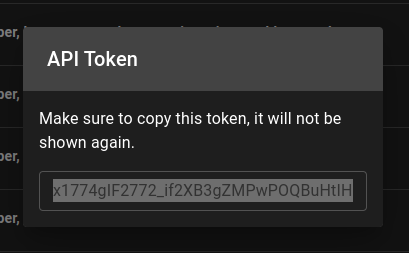
Now that we have our API key, save it some place safe and let's move on to the next step.
OpenAPI Swagger
Orion ships with OpenAPI documentation for each service that is actively installed. This documentation is custom tailored
to your installation and will provide you with the necessary information to interact with the service. To access the
documentation, you will need to navigate to the integrated documentation section either in Hubble or Genesis. Hubble
will have API documentation for project level services, such as Kuiper workload management. While Genesis will have API documentation for
cluster level services such as Genesis, Titan, and Terra.
Open Development
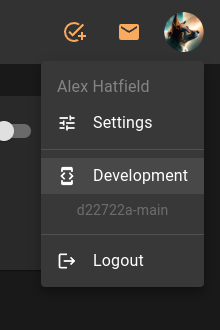
Open the documentation page by clicking on your user icon in the top right corner and selecting Development
Open Integrated OpenAPI Documentation
Open the documentation section in the Development page for Kuiper. Here you can find the OpenAPI documentation for each service and even try them out.
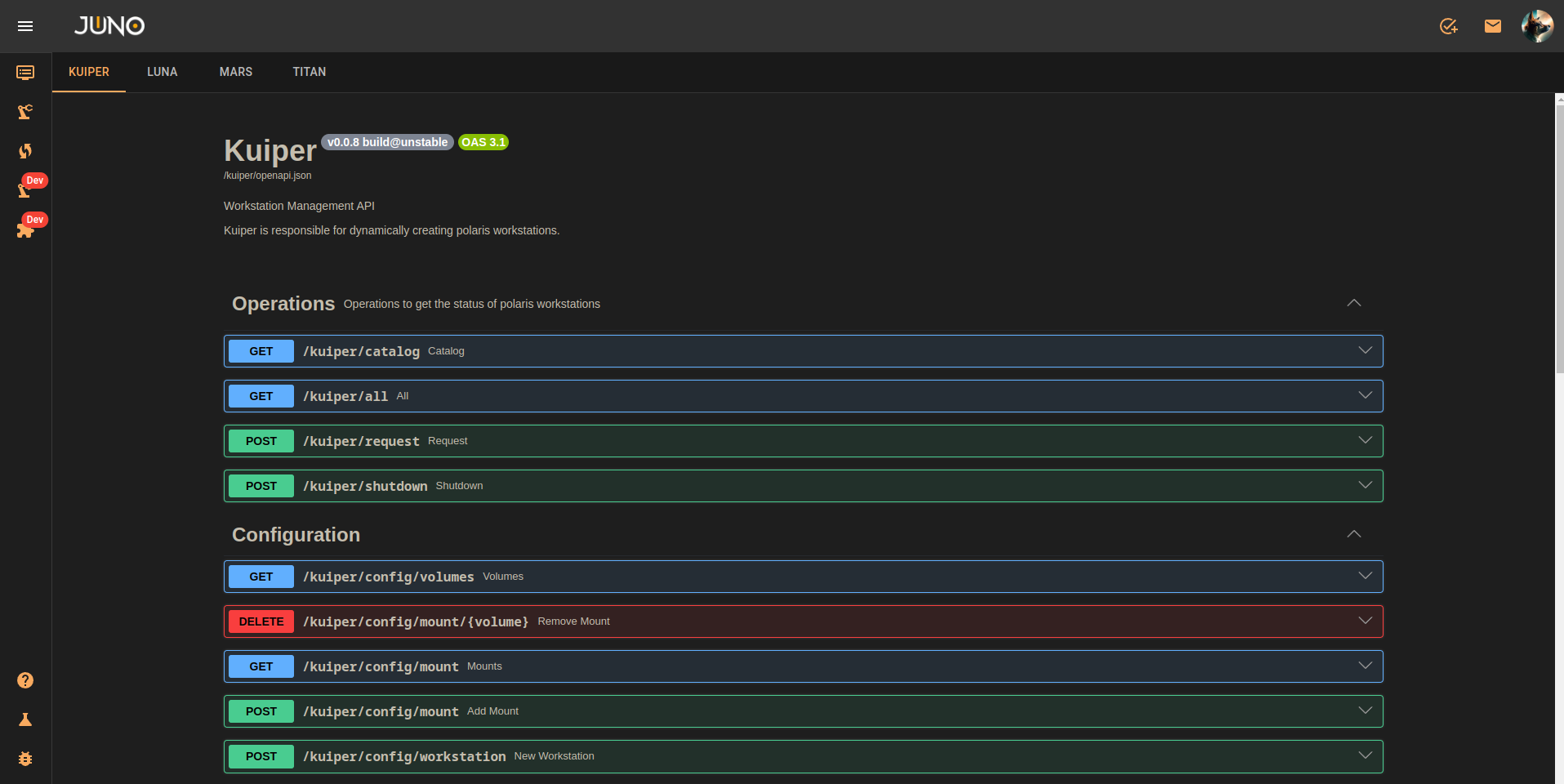
Now we know where to find our API's documentation, let's move on to the next step and start writing our script.
Writing Our Integration
We are going to write a simple python script that will interact with Kuiper to launch a workload. We will use the
requests library to make the API calls.
Warning
If you get a requests.exceptions.SSLError you can pass in the verify=False parameter to the request to disable SSL verification.
Setup Virtual Environment
We will be using Python 3.11 and a virtual environment to manage our dependencies. Then we will activate it.
Install Requests
We will be using the python requests library to make our API calls. Let's install it.
Import Credentials
We will be passing our username, API key and server URL as environment variables. Let's import them.
Get Available Workload Templates
Now we need to get the catalog of available workload types that we can launch. We will then select the first one for now.
Request Launch Workload
Now we have everything we need to request the workload to launch.
Wait for Workload to Launch
Now that the request has been put in, Orion will start to spin up your requested workload. We can make another call to kuiper which will output ALL the information it has on your requested workload.
Run Your Integration
Now we run it and see the results!
Full Script
import os
import requests
# 1. Setup Configuration
SERVER = os.environ["SERVER"]
HEADERS = {"Authorization": os.environ["TOKEN"]}
USER = os.environ["USER"]
# 2. Get the first available workload template ID
catalog_rsp = requests.get(f"{SERVER}/kuiper/catalog", headers=HEADERS, verify=False)
catalog_rsp.raise_for_status()
template_idx = catalog_rsp.json()[0]["idx"]
# 3. Launch the workload
launch_rsp = requests.post(
f"{SERVER}/kuiper/request",
headers=HEADERS,
json={"instance_type": template_idx, "user": USER},
verify=False,
)
launch_rsp.raise_for_status()
print("Workload request submitted successfully!")
# 4. Check workload status
status_rsp = requests.get(f"{SERVER}/kuiper/all", headers=HEADERS, verify=False)
print("Current Workloads:", status_rsp.json())
Summary
We have successfully written a python script that interacts with Kuiper to launch a workload. As you can imagine, this is just the beginning, and the possibilities are endless. Orion can be integrated with any system that can make HTTP requests. This allows you to build custom integrations with your existing tools and services.