Instances
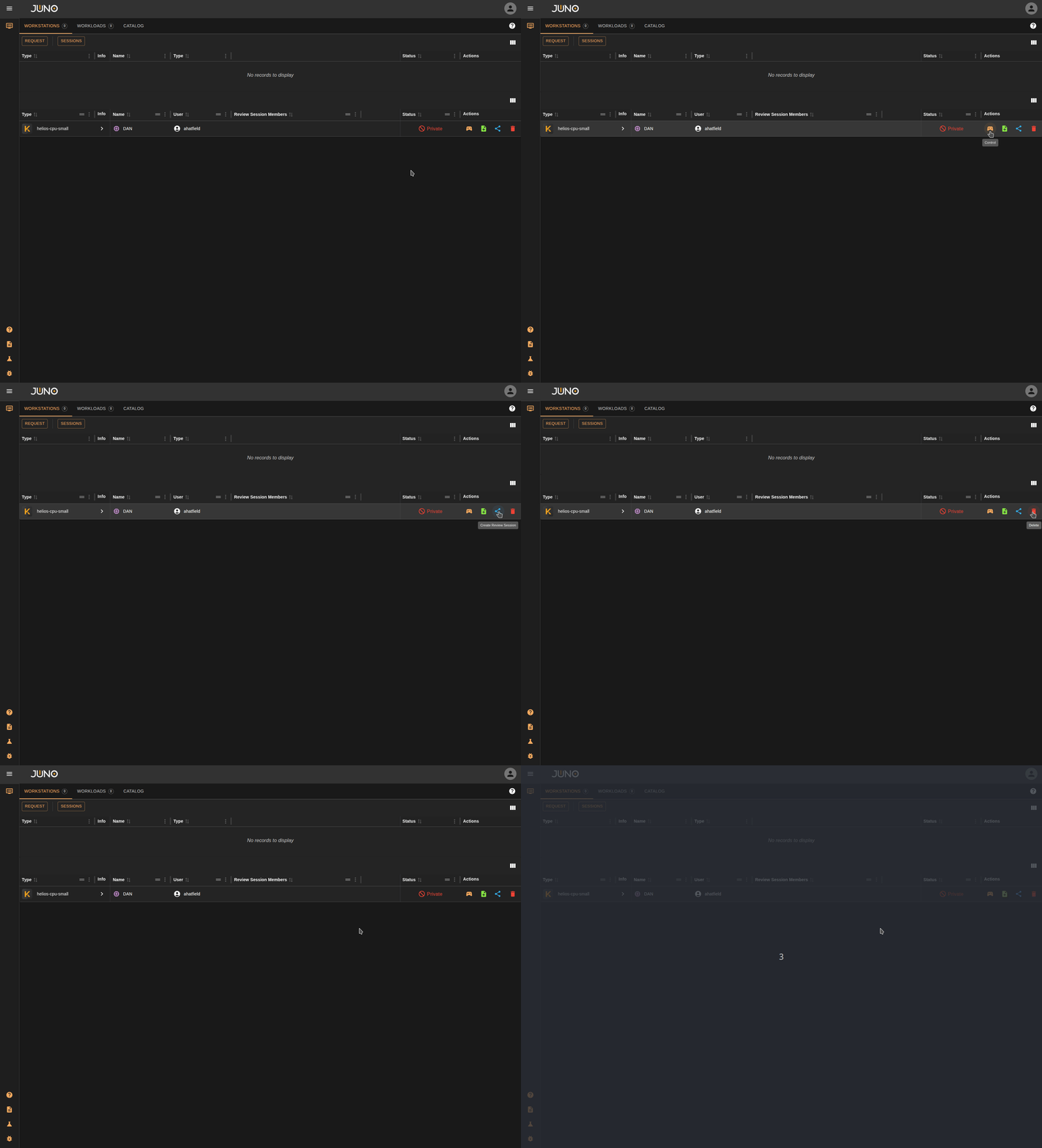
One of the core Juno products is our Kuiper instances. This is where users can launch workstations or workloads and connect, manage, and share them.
Instance Management
Request
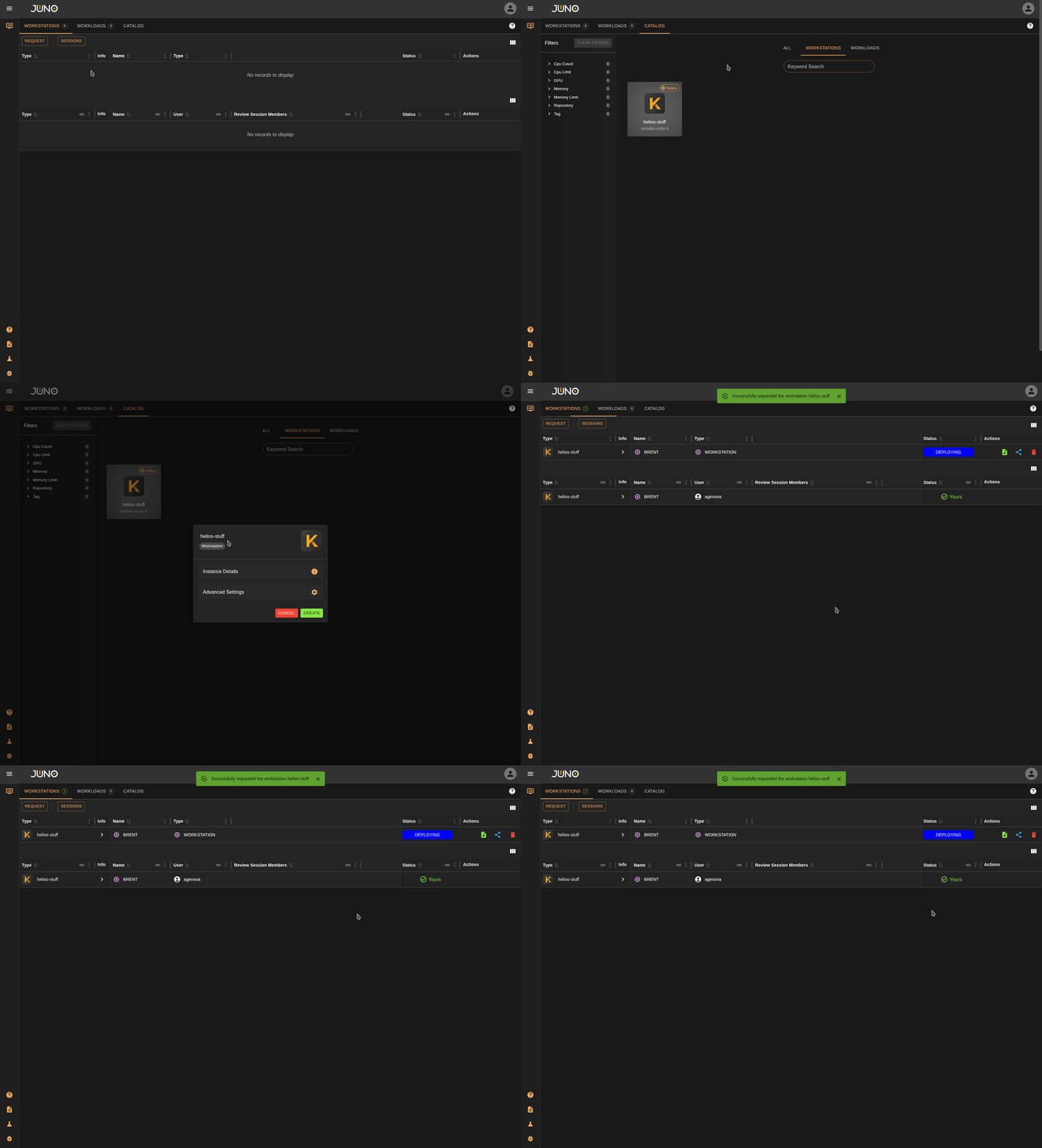
Users can quickly request a workstation by clicking the "Request" button in the top-left corner or by opening the Catalog tab. The catalog lets you filter available templates and request an instance. You can also add new instance templates from within Genesis. Read more about instance template creation here
Instance Status:
| Status | Description |
|---|---|
| Requesting | A request has been sent out to deploy a workstation |
| Deploying | A workstation has been requested successfully and is currently being deployed |
| Verifying | A workstation has been deployed, and is being verified that it is ready. |
| Connect | Users can now click the connect button and begin using their workstation. |
Advanced Settings
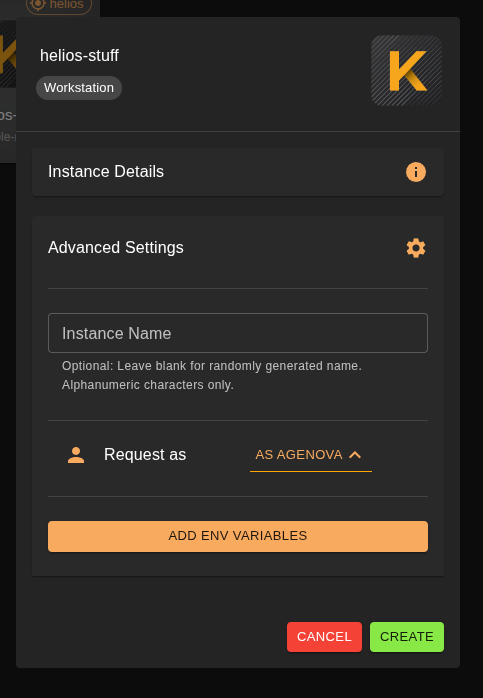
When requesting an instance, users can configure advanced settings such as a custom instance name, requesting the instance on behalf of another user, and custom environment variables.
Note
Requesting as a different user is restricted to members of the 'admin' and 'kuiper' user group. Read more about user management here
Viewing Logs
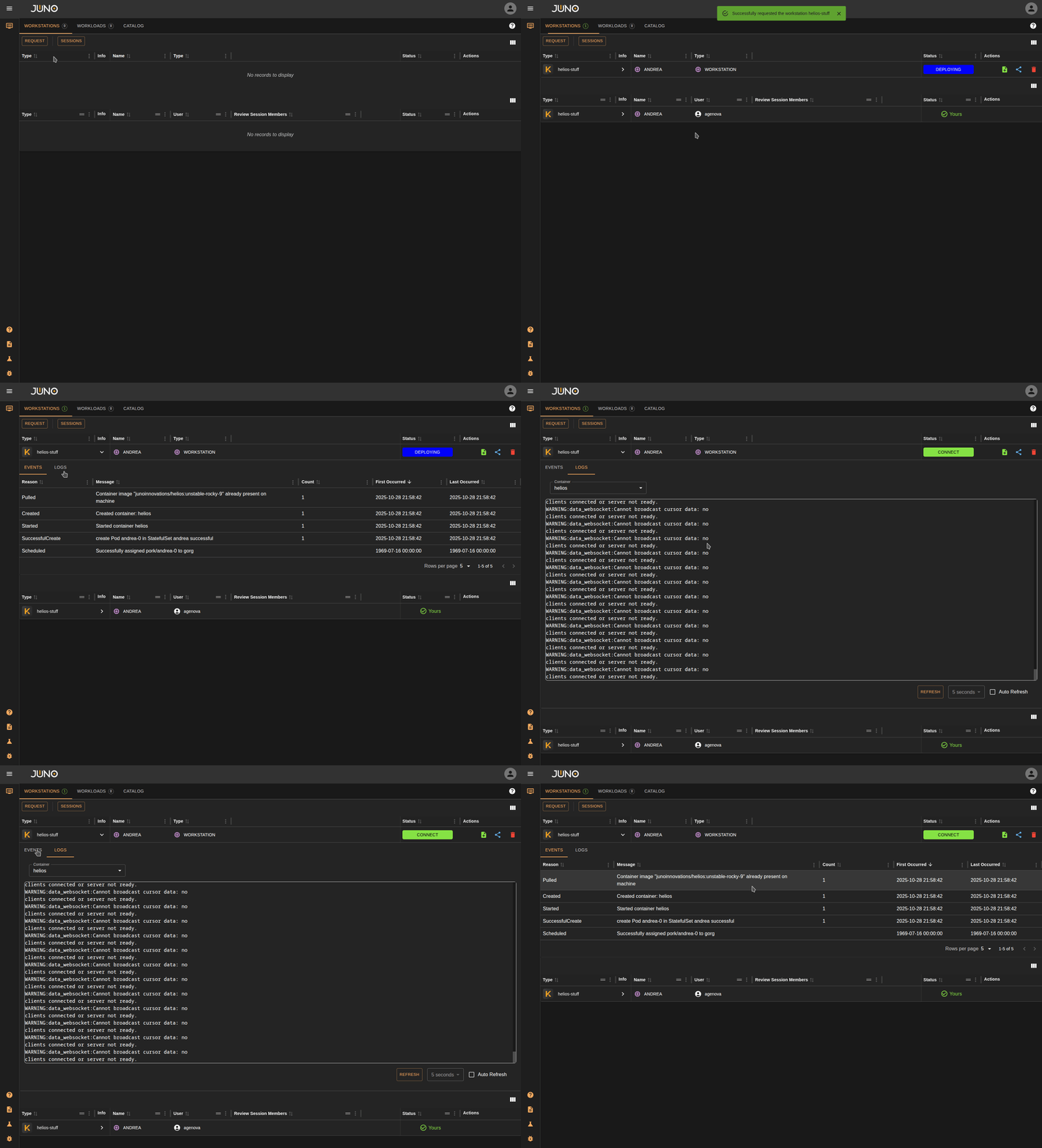
You can expand the instance row details pannel to view the events and logs of the running instance
Connect
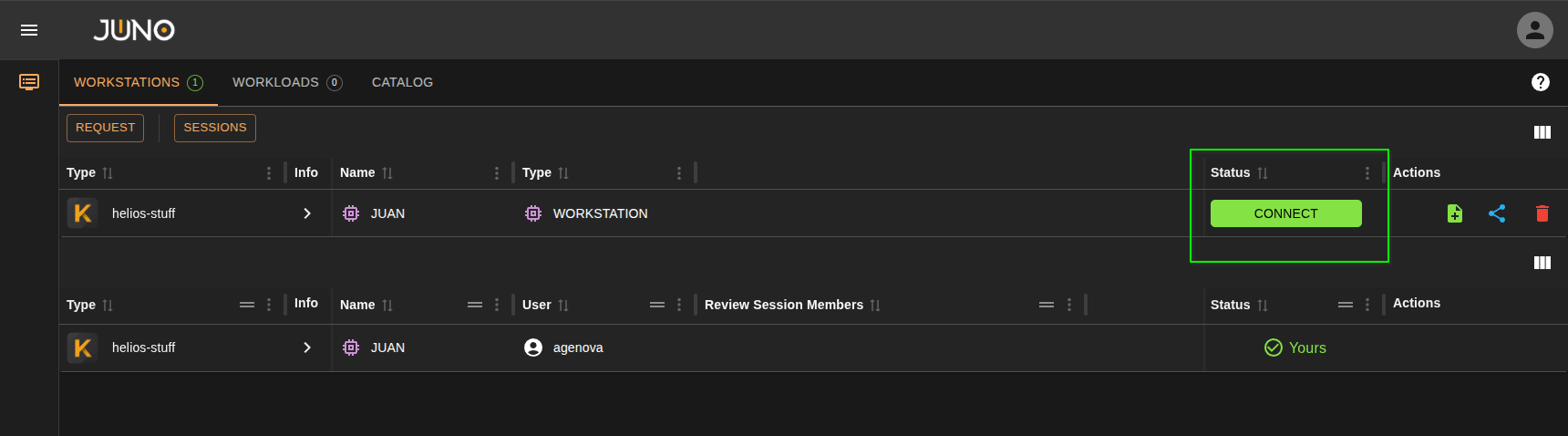
Once the instance is ready to be connected too. A green CONNECT button will appear in the status. Click this button to connect.
Delete
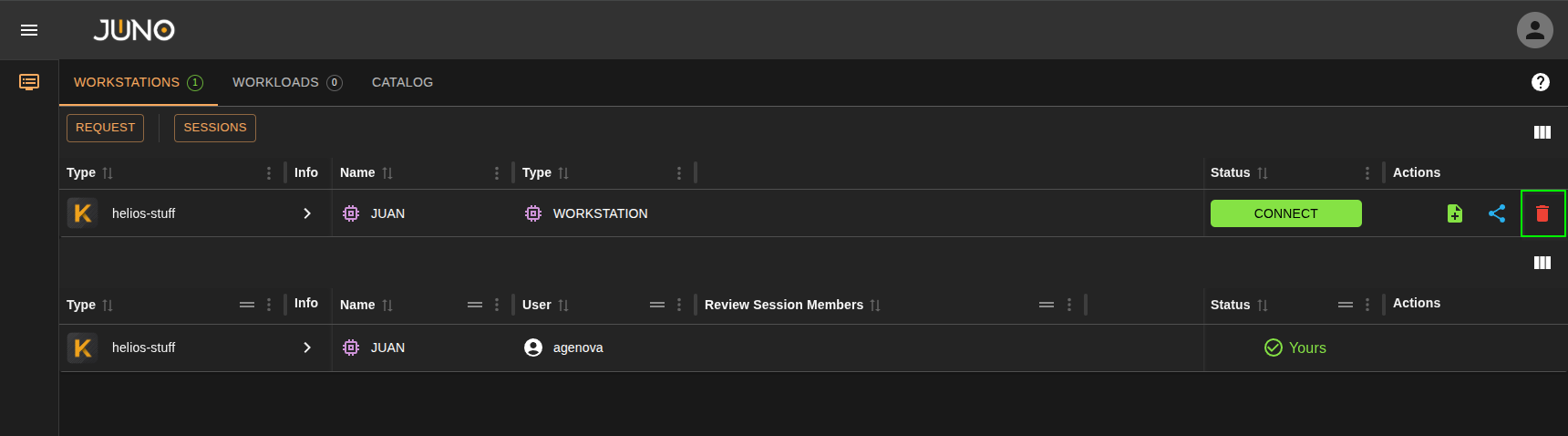
Click the delete icon in the actions column on the instance row to delete the instance. You can add the Helios Auto Shutdown plugin if you want Helios instances to automatically shutdown after a period of inactivity. Read more about that here
Create template from instance
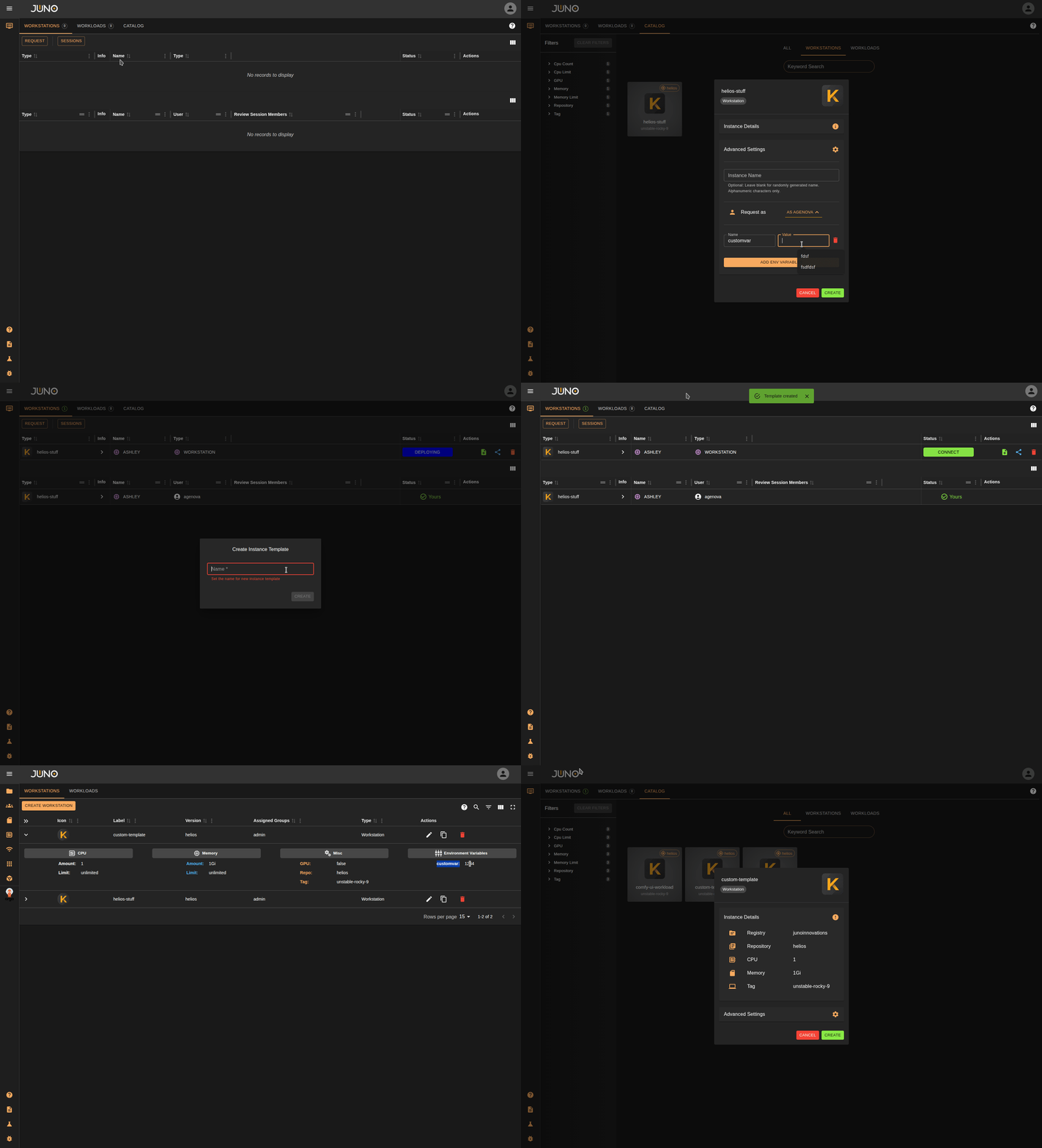
Click the green icon in the Actions column for an instance to create a template from that running instance. This is useful when you create an instance with custom environment variables at request time and want to save them for later; the created template will include those environment variables.
Review Sessions (Coming Soon)
This functionality is currently being revised. Coming soon...
Admin Control Instances
Admins have the ability to control another users workstation. This works great for debugging, and training purposes.